Me-Page Team
Chỉnh sửa lần cuối 27 Mar 2026
Kế hoạch bài viết
- Build a Website from Scratch — Visually
- Use Ready-Made Templates and Blocks
- Create Multi-Page Websites and Subpages
- Customize Design Without Limits
- Add Buttons, Links, and Navigation
- Edit Content Anytime
- Optimize for Mobile Automatically
- Publish Your Website in One Click
- Built-In Features That Save Time
- Quick Overview of ME-Page Features
- Conclusion
- Frequently Asked Questions about ME-Page Feature Breakdown
Not long ago, building a website meant hiring developers, learning code, or spending hours dealing with complicated tools. Today, that’s no longer the case.
With ME-Page, you can create, edit, and publish a fully functional website without writing a single line of code. Whether you’re a small business owner, freelancer, or creator, ME-Page gives you powerful no-code tools that simplify the entire process.
Let’s break down exactly what you can do.

Build a Website from Scratch — Visually
One of the biggest advantages of ME-Page is its visual editor.
Instead of coding layouts, you simply:
- Drag and drop elements
- Add sections
- Rearrange content
- Edit everything in real time
You see your website exactly as visitors will see it. No guessing, no preview mode confusion.
This makes building a site feel more like designing a presentation than writing code.
Use Ready-Made Templates and Blocks
Don’t want to start from scratch? No problem.
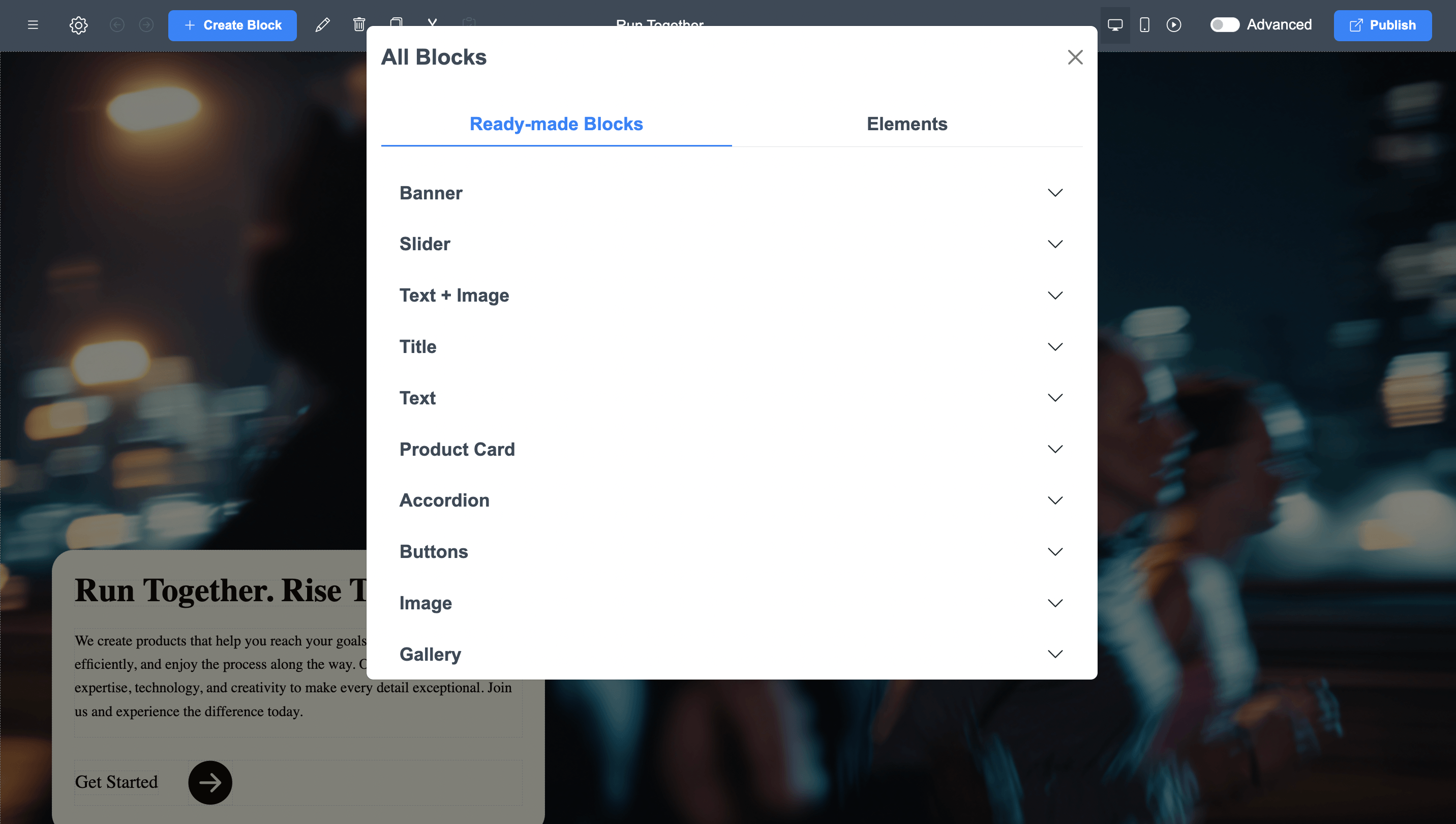
ME-Page offers pre-designed templates and blocks that you can customize instantly. These include:
- Headers and navigation menus
- Hero sections
- Service blocks
- Image galleries
- Contact sections
- Call-to-action banners
You just replace text and images with your own content.
This saves hours of work and ensures your site looks professional from the start.
Create Multi-Page Websites and Subpages
Many beginners think no-code tools are limited to simple one-page sites. That’s not true anymore.
With ME-Page, you can:
- Add multiple pages
- Create subpages
- Organize content into a clear structure
- Build navigation menus
This allows you to create anything from a simple landing page to a full multi-page website.
Perfect for businesses that want to grow over time.
Customize Design Without Limits
Even though it’s no-code, ME-Page gives you full control over design.
You can easily:
- Change colors and backgrounds
- Edit fonts and typography
- Adjust spacing and layout
- Add animations and visuals
This means your website doesn’t look generic — it reflects your brand.
And the best part? You don’t need design experience to make it look good.
Add Buttons, Links, and Navigation
Navigation is key to user experience.
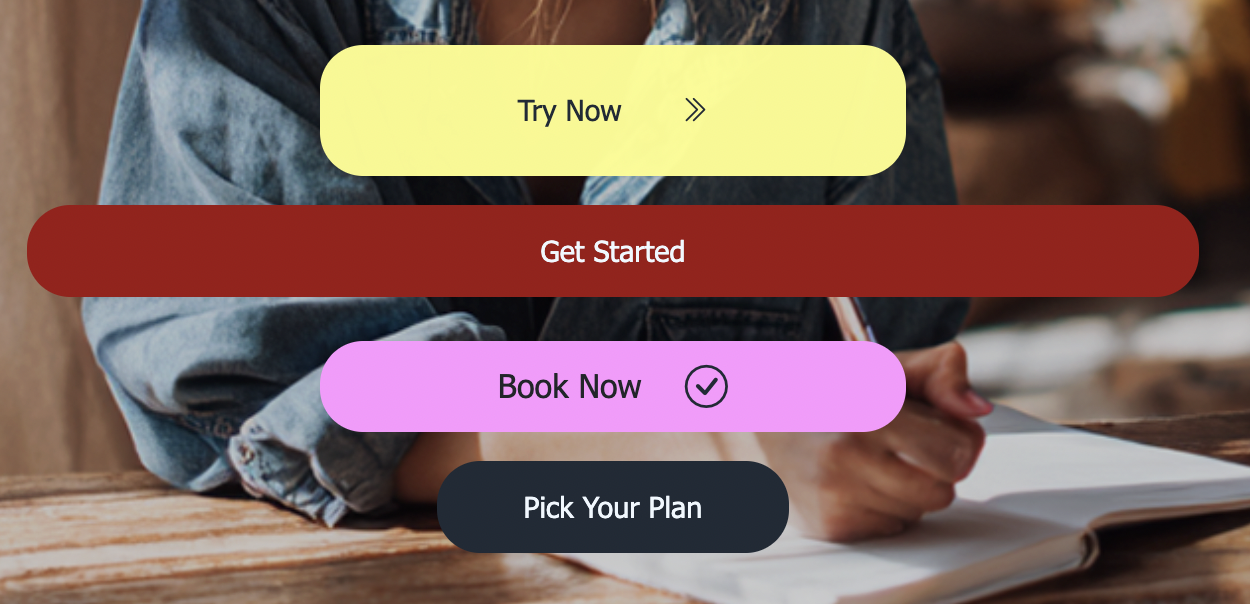
ME-Page lets you:
- Add buttons anywhere
- Link to pages or external URLs
- Create custom header menus
- Build mobile-friendly burger menus
This helps visitors move smoothly through your site and find what they need quickly.
Better navigation = better engagement.
Edit Content Anytime
Your website shouldn’t be static.
With ME-Page, you can update:
- Text
- Images
- Links
- Sections
Anytime you want.
No waiting for developers. No technical steps. Just click, edit, and publish.
This flexibility is one of the biggest advantages of using no-code tools.
Optimize for Mobile Automatically
Most visitors will view your website on their phones.
ME-Page ensures your site:
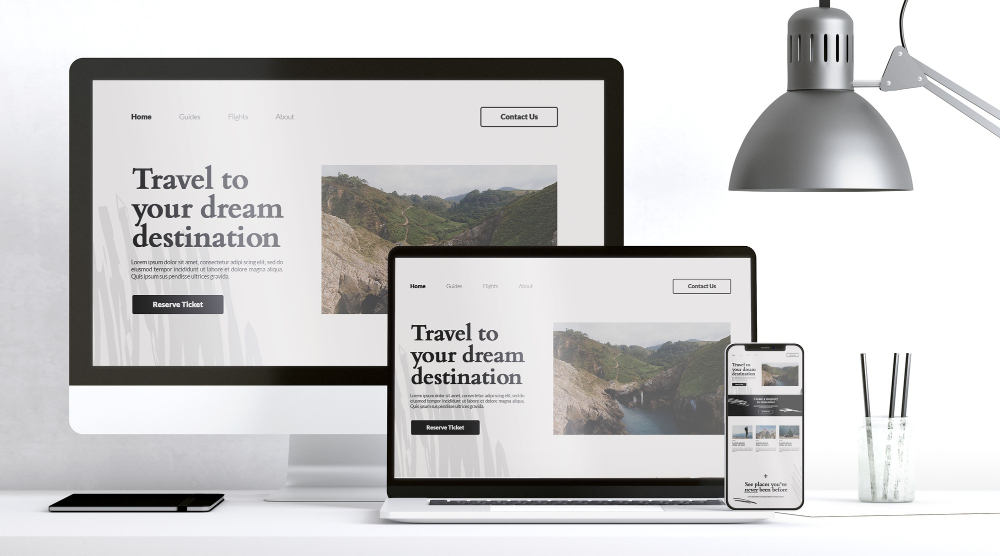
- Looks good on all devices
- Adapts to screen sizes
- Keeps navigation simple
- Maintains readability
You don’t need to design separate mobile versions. Everything is responsive by default.
Publish Your Website in One Click
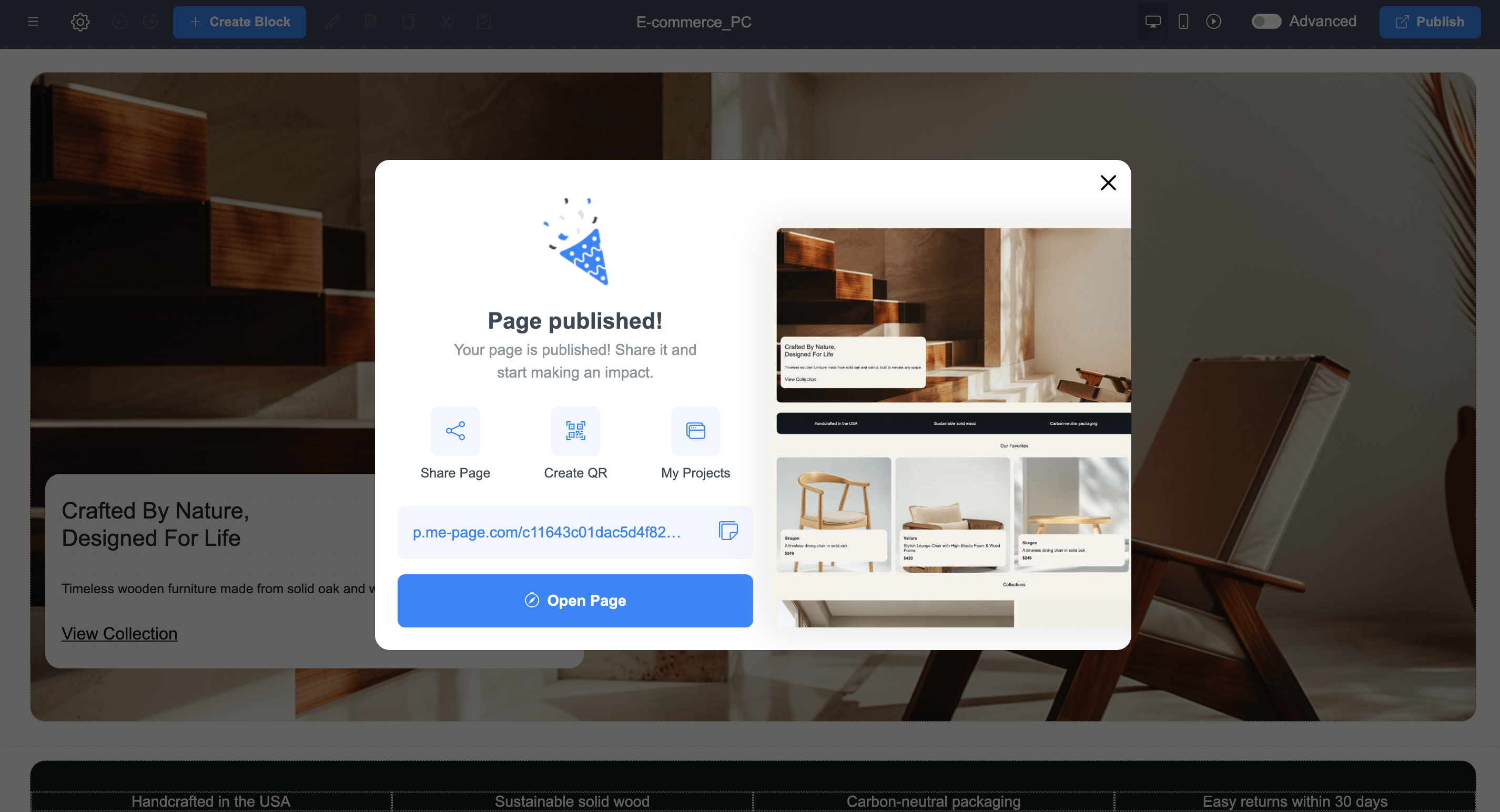
Once your site is ready, launching it is incredibly simple. Just click “Publish” — and your website goes live instantly. No servers. No deployments. No technical setup. This makes it perfect for quick launches, campaigns, or testing new ideas.
Built-In Features That Save Time
Instead of installing plugins or external tools, ME-Page includes everything you need:
- Hosting
- Page structure tools
- Navigation builder
- Design customization
- Content editing
- Mobile optimization
Everything works together smoothly, so you can focus on your content instead of technical issues.
Quick Overview of ME-Page Features
Conclusion
Modern websites don’t require coding anymore — they require the right tools. With powerful ME-Page features, you can design, build, and manage a professional website entirely on your own. From templates and drag-and-drop editing to multi-page structures and instant publishing, these no-code tools remove all technical barriers.
Whether you’re launching a business, promoting services, or building a personal brand, ME-Page gives you everything you need in one place. It’s fast, flexible, and beginner-friendly — proving that great websites don’t have to be complicated.
Frequently Asked Questions about ME-Page Feature Breakdown
Yes. ME-Page is designed specifically for non-technical users, allowing you to create fully functional and professional websites using simple drag-and-drop tools.
Absolutely. You can change colors, fonts, layouts, images, and content to match your brand and create a unique design.
Yes. All websites created with ME-Page are automatically responsive and optimized for mobile devices.
You can publish your website instantly with one click as soon as your content is ready.
Bài viết này có hữu ích không?
Nhấp vào một ngôi sao để đánh giá!
Mức đánh giá trung bình: 0/5
Phiếu bầu: 0
Chia sẻ với bạn bè:



Trước
Tổng quan các tính năng của ME-Page: Những điều bạn có thể làm mà không cần lập trình

Tiếp theo
Welcome to ME-Page: Your Ultimate Website Constructor
Bài viết gần đây
Mọi điều bạn cần biết về việc sử dụng ME-Page Constructor cho trang web của bạn.
Tổng quan các tính năng của ME-Page: Những điều bạn có thể làm mà...
Cách đây không lâu, việc xây dựng một trang web đồng nghĩa với việc thuê lập trình viên, học lập trình hoặc dà...
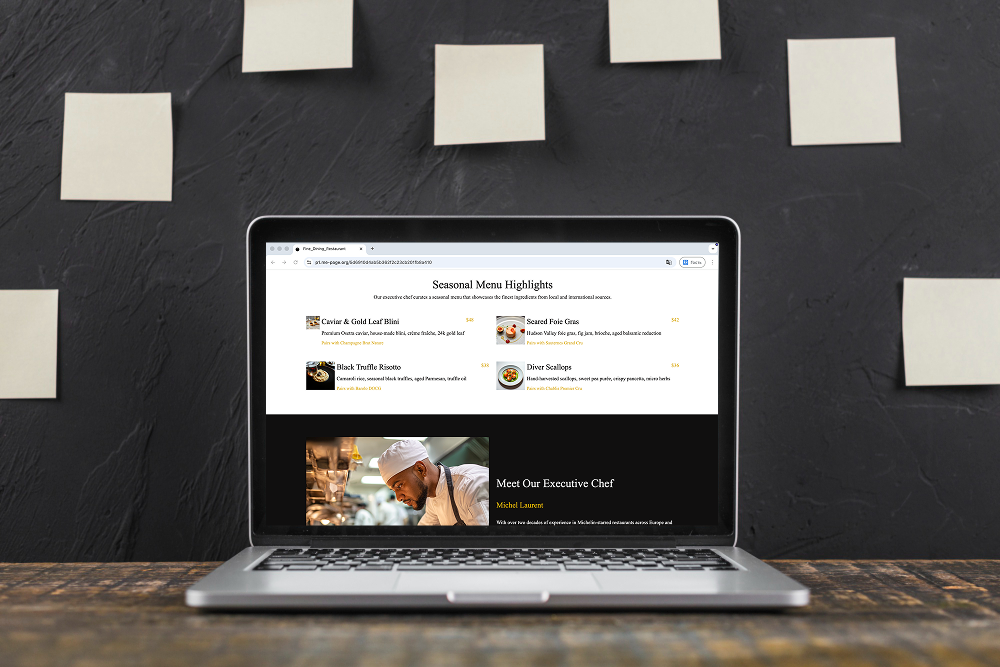
Website Nhà Hàng Biến Khách Truy Cập Thành Khách Thực Tế
Một trang web nhà hàng không chỉ đơn thuần là đẹp mắt — mà còn là để thu hút khách hàng đến nhà hàng của bạn. ...

Website một trang so với website nhiều trang: Loại nào tốt hơn ch...
Khi xây dựng trang web cho công ty của bạn, một trong những quyết định đầu tiên bạn phải đối mặt là lựa chọn c...
Nội dung giúp tăng thứ hạng: Cách cấu trúc trang web để tối ưu SEO
Việc tạo nội dung cho trang web của bạn không chỉ đơn thuần là viết nhiều văn bản. Đó là viết một cách thông m...
Tạo Cấu trúc Website Rõ ràng với Trang và Trang con
Một trang web lộn xộn giống như một cửa hàng không có biển hiệu. Khách truy cập bước vào… nhìn xung quanh… bối...

Kiến thức cơ bản về SEO địa phương: Được khách hàng gần bạn tìm thấy
Nếu bạn điều hành một doanh nghiệp nhỏ, đây là một sự thật đơn giản: mọi người tìm kiếm thông tin địa phương t...
Tổng quan các tính năng của ME-Page: Những điều bạn có thể làm mà...
Cách đây không lâu, việc xây dựng một trang web đồng nghĩa với việc thuê lập trình viên, học lập trình hoặc dà...
Website Nhà Hàng Biến Khách Truy Cập Thành Khách Thực Tế
Một trang web nhà hàng không chỉ đơn thuần là đẹp mắt — mà còn là để thu hút khách hàng đến nhà hàng của bạn. ...
Website một trang so với website nhiều trang: Loại nào tốt hơn ch...
Khi xây dựng trang web cho công ty của bạn, một trong những quyết định đầu tiên bạn phải đối mặt là lựa chọn c...
Nội dung giúp tăng thứ hạng: Cách cấu trúc trang web để tối ưu SEO
Việc tạo nội dung cho trang web của bạn không chỉ đơn thuần là viết nhiều văn bản. Đó là viết một cách thông m...
Tạo Cấu trúc Website Rõ ràng với Trang và Trang con
Một trang web lộn xộn giống như một cửa hàng không có biển hiệu. Khách truy cập bước vào… nhìn xung quanh… bối...
Kiến thức cơ bản về SEO địa phương: Được khách hàng gần bạn tìm thấy
Nếu bạn điều hành một doanh nghiệp nhỏ, đây là một sự thật đơn giản: mọi người tìm kiếm thông tin địa phương t...