Me-Page Team
마지막 수정 27 Mar 2026
기사 계획
- Build a Website from Scratch — Visually
- Use Ready-Made Templates and Blocks
- Create Multi-Page Websites and Subpages
- Customize Design Without Limits
- Add Buttons, Links, and Navigation
- Edit Content Anytime
- Optimize for Mobile Automatically
- Publish Your Website in One Click
- Built-In Features That Save Time
- Quick Overview of ME-Page Features
- Conclusion
- Frequently Asked Questions about ME-Page Feature Breakdown
Not long ago, building a website meant hiring developers, learning code, or spending hours dealing with complicated tools. Today, that’s no longer the case.
With ME-Page, you can create, edit, and publish a fully functional website without writing a single line of code. Whether you’re a small business owner, freelancer, or creator, ME-Page gives you powerful no-code tools that simplify the entire process.
Let’s break down exactly what you can do.

Build a Website from Scratch — Visually
One of the biggest advantages of ME-Page is its visual editor.
Instead of coding layouts, you simply:
- Drag and drop elements
- Add sections
- Rearrange content
- Edit everything in real time
You see your website exactly as visitors will see it. No guessing, no preview mode confusion.
This makes building a site feel more like designing a presentation than writing code.
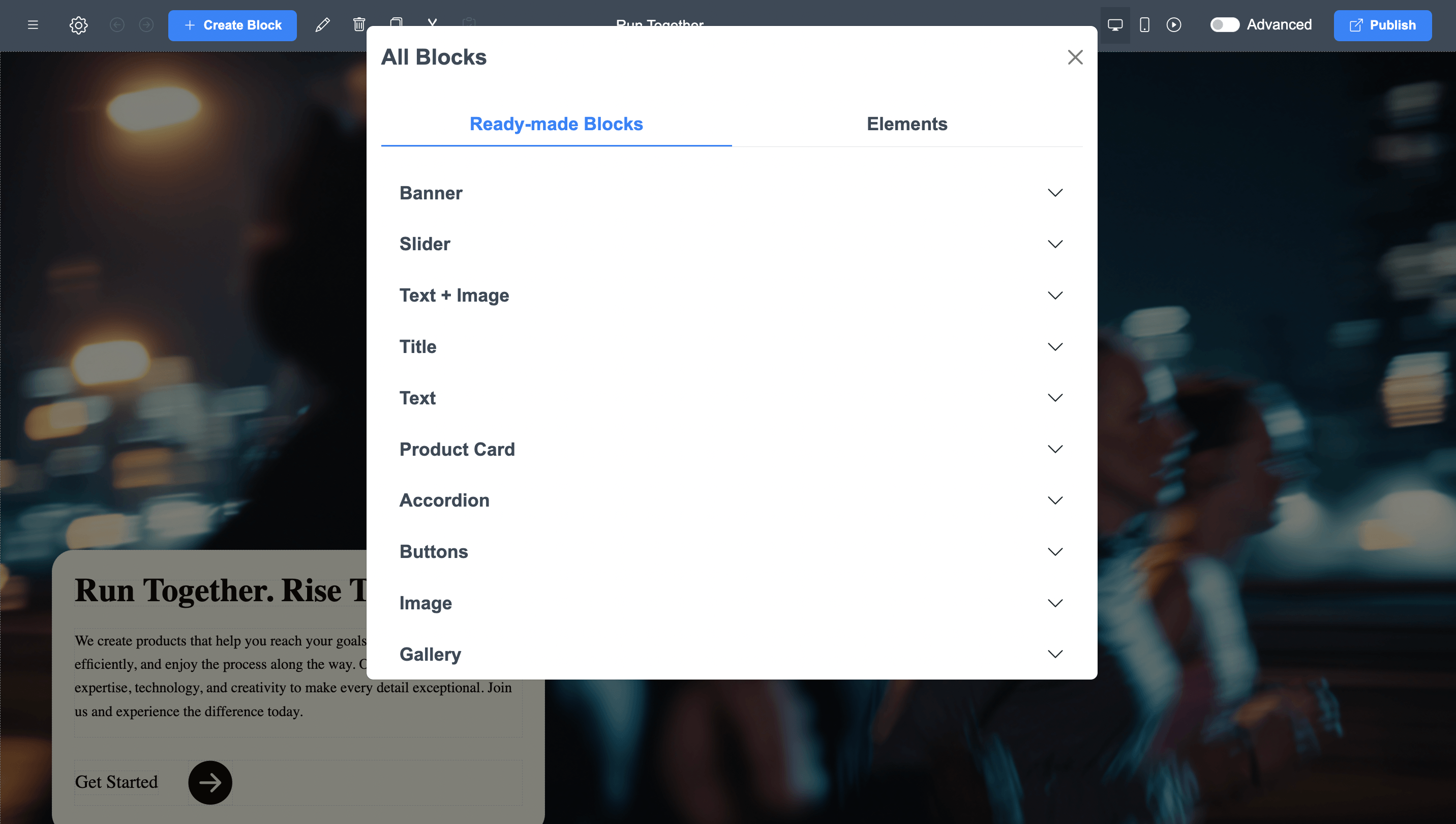
Use Ready-Made Templates and Blocks
Don’t want to start from scratch? No problem.
ME-Page offers pre-designed templates and blocks that you can customize instantly. These include:
- Headers and navigation menus
- Hero sections
- Service blocks
- Image galleries
- Contact sections
- Call-to-action banners
You just replace text and images with your own content.
This saves hours of work and ensures your site looks professional from the start.
Create Multi-Page Websites and Subpages
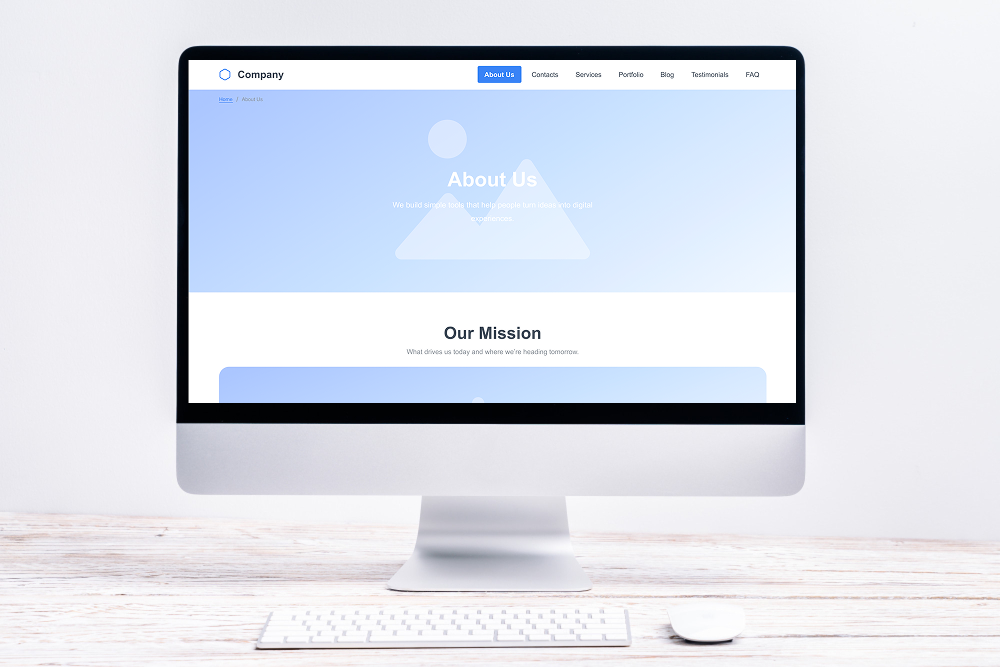
Many beginners think no-code tools are limited to simple one-page sites. That’s not true anymore.
With ME-Page, you can:
- Add multiple pages
- Create subpages
- Organize content into a clear structure
- Build navigation menus
This allows you to create anything from a simple landing page to a full multi-page website.
Perfect for businesses that want to grow over time.
Customize Design Without Limits
Even though it’s no-code, ME-Page gives you full control over design.
You can easily:
- Change colors and backgrounds
- Edit fonts and typography
- Adjust spacing and layout
- Add animations and visuals
This means your website doesn’t look generic — it reflects your brand.
And the best part? You don’t need design experience to make it look good.
Add Buttons, Links, and Navigation
Navigation is key to user experience.
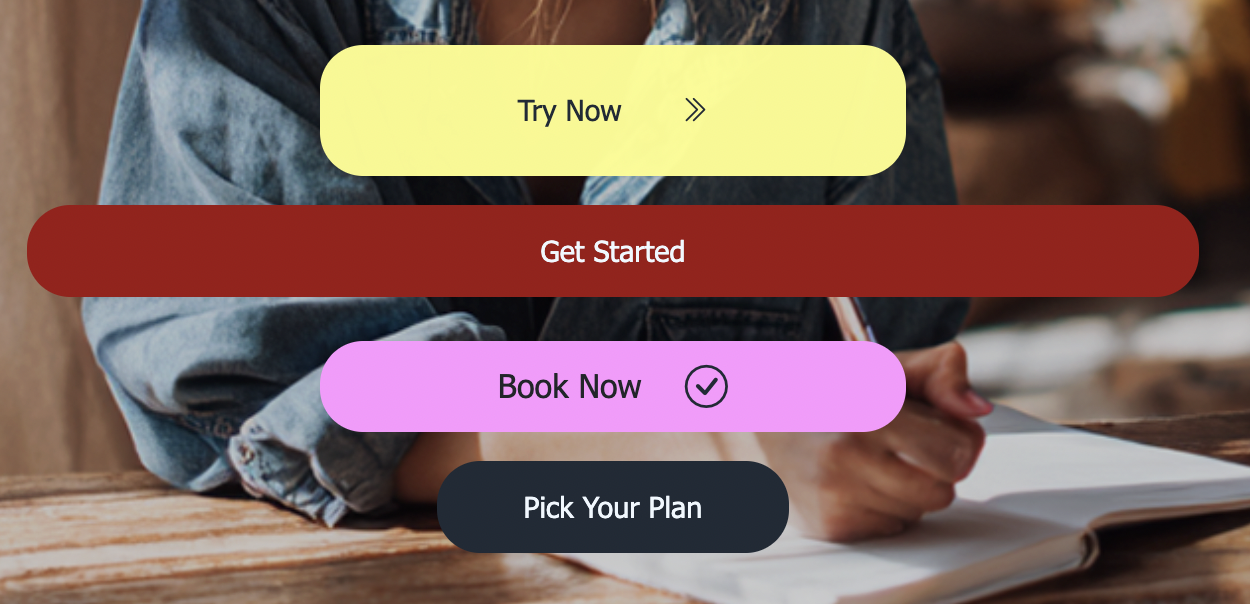
ME-Page lets you:
- Add buttons anywhere
- Link to pages or external URLs
- Create custom header menus
- Build mobile-friendly burger menus
This helps visitors move smoothly through your site and find what they need quickly.
Better navigation = better engagement.
Edit Content Anytime
Your website shouldn’t be static.
With ME-Page, you can update:
- Text
- Images
- Links
- Sections
Anytime you want.
No waiting for developers. No technical steps. Just click, edit, and publish.
This flexibility is one of the biggest advantages of using no-code tools.
Optimize for Mobile Automatically
Most visitors will view your website on their phones.
ME-Page ensures your site:
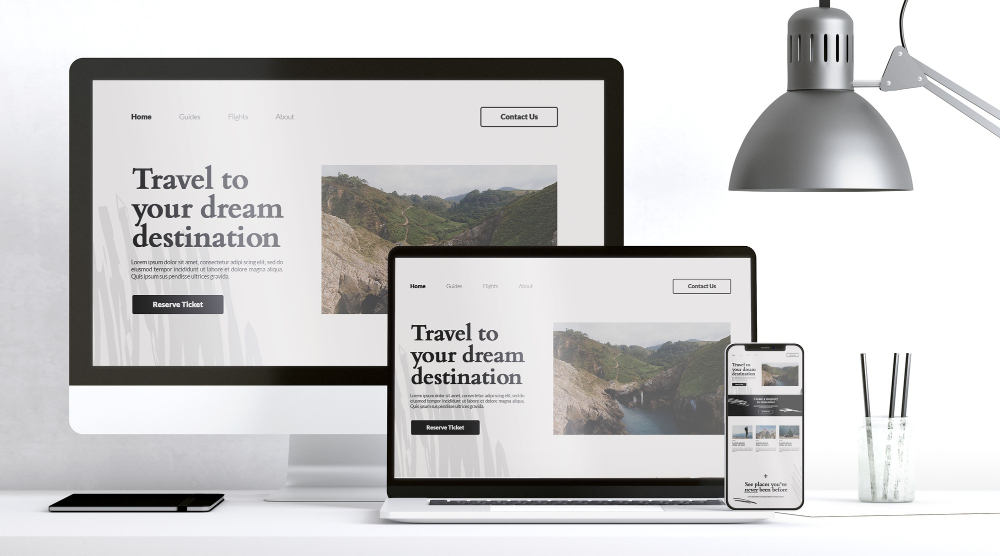
- Looks good on all devices
- Adapts to screen sizes
- Keeps navigation simple
- Maintains readability
You don’t need to design separate mobile versions. Everything is responsive by default.
Publish Your Website in One Click
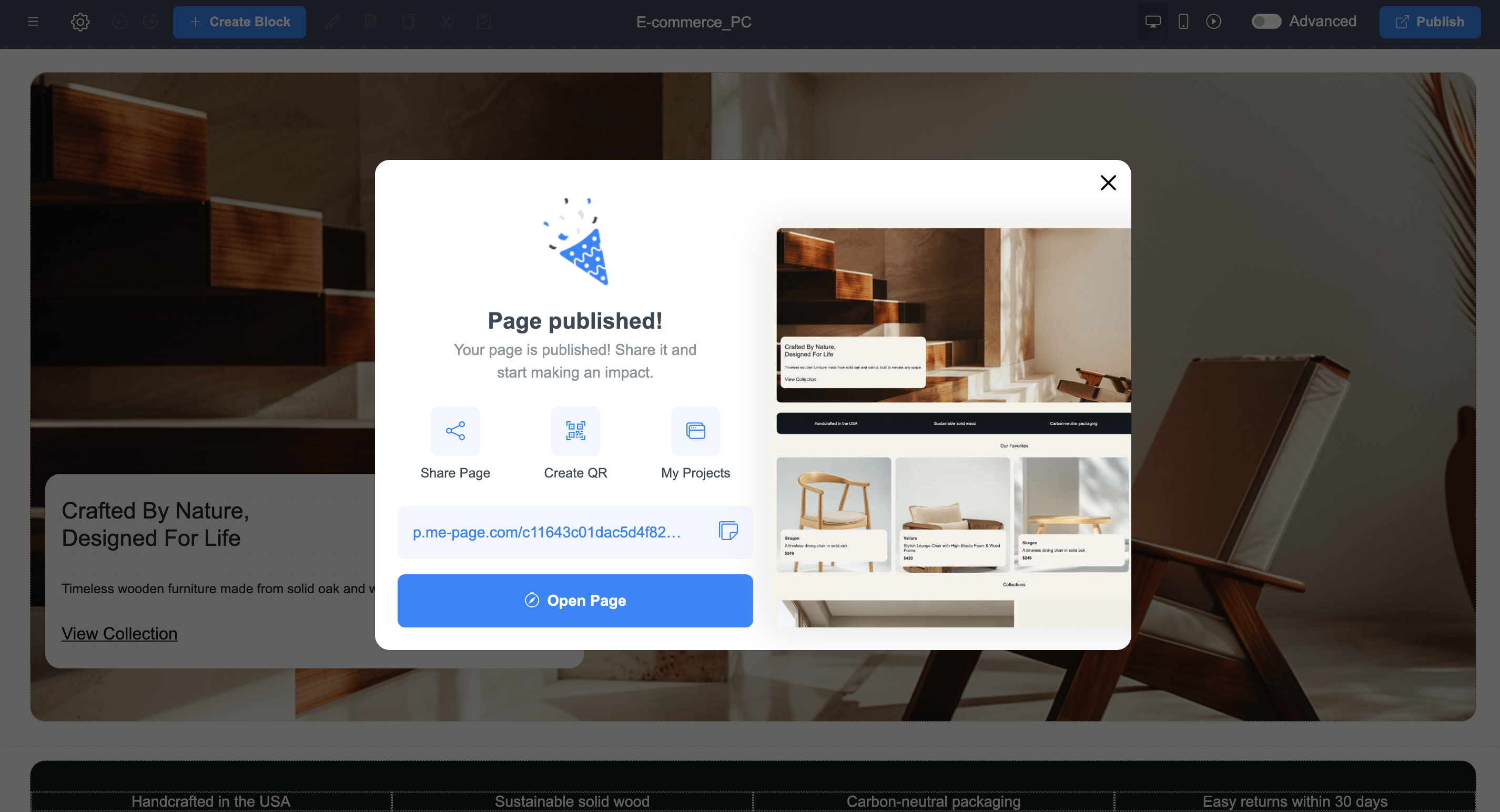
Once your site is ready, launching it is incredibly simple. Just click “Publish” — and your website goes live instantly. No servers. No deployments. No technical setup. This makes it perfect for quick launches, campaigns, or testing new ideas.
Built-In Features That Save Time
Instead of installing plugins or external tools, ME-Page includes everything you need:
- Hosting
- Page structure tools
- Navigation builder
- Design customization
- Content editing
- Mobile optimization
Everything works together smoothly, so you can focus on your content instead of technical issues.
Quick Overview of ME-Page Features
Conclusion
Modern websites don’t require coding anymore — they require the right tools. With powerful ME-Page features, you can design, build, and manage a professional website entirely on your own. From templates and drag-and-drop editing to multi-page structures and instant publishing, these no-code tools remove all technical barriers.
Whether you’re launching a business, promoting services, or building a personal brand, ME-Page gives you everything you need in one place. It’s fast, flexible, and beginner-friendly — proving that great websites don’t have to be complicated.
Frequently Asked Questions about ME-Page Feature Breakdown
Yes. ME-Page is designed specifically for non-technical users, allowing you to create fully functional and professional websites using simple drag-and-drop tools.
Absolutely. You can change colors, fonts, layouts, images, and content to match your brand and create a unique design.
Yes. All websites created with ME-Page are automatically responsive and optimized for mobile devices.
You can publish your website instantly with one click as soon as your content is ready.
이 기사가 도움이 되었나요?
별을 클릭하여 평가하세요!
평균 평점: 0/5
투표 수: 0
친구와 공유하기:



최근 기사
웹사이트를 위한 ME-Page Constructor 사용에 대해 알아야 할 모든 것.

ME-Page 기능 분석: 코딩 없이 할 수 있는 일
얼마 전까지만 해도 웹사이트를 만들려면 개발자를 고용하거나, 코드를 배우거나, 복잡한 도구를 다루는 데 몇 시간을 소비해야 했습니다. 하지만 이제는 더 이상 그렇지 않습니다. ME-Page를 사용...
방문객을 고객으로 전환하는 레스토랑 웹사이트
레스토랑 웹사이트는 단순히 보기 좋은 것만이 아니라, 고객을 매장으로 유인하는 것이 핵심입니다. 생각해 보세요. 사람들이 식당을 검색할 때는 대개 이미 배가 고픈 상태이고, 결정을 내릴 준비가 되...

원페이지 웹사이트 vs. 멀티페이지 웹사이트: 비즈니스에 더 적합한 구조는 무엇일까요?
회사 웹사이트를 구축할 때 가장 먼저 내려야 할 결정 중 하나는 적절한 구조를 선택하는 것입니다. 모든 콘텐츠가 스크롤 가능한 단일 페이지에 표시되는 원페이지 웹사이트를 만들까요? 아니면 목표 달성...
검색 순위를 높이는 콘텐츠: SEO에 최적화된 페이지 구조 설계 방법
웹사이트 콘텐츠 제작은 단순히 많은 텍스트를 쓰는 것만이 아닙니다. 스마트하게 작성하는 것이 핵심입니다. 페이지 구성이 부실하면 아무리 훌륭한 정보라도 방문자와 검색 엔진 모두에게 제대로 전달되지 ...
페이지와 하위 페이지를 활용한 명확한 웹사이트 구조 구축
정리되지 않은 웹사이트는 간판 없는 가게와 같습니다. 방문객들은 들어와서 둘러보다가 혼란스러워하며 결국 떠납니다. 제품이 나빠서가 아니라, 원하는 것을 찾지 못하기 때문입니다. 바로 그렇기 때문에...
지역 SEO 기초: 주변 고객에게 쉽게 노출되세요
소규모 사업체를 운영하신다면, 간단한 진실 하나를 기억하세요. 사람들은 먼저 지역 정보를 검색합니다. "세계 최고의 배관공"이라고 검색하는 대신 "내 근처 배관공"이라고 검색합니다. "커피숍 아...
ME-Page 기능 분석: 코딩 없이 할 수 있는 일
얼마 전까지만 해도 웹사이트를 만들려면 개발자를 고용하거나, 코드를 배우거나, 복잡한 도구를 다루는 데 몇 시간을 소비해야 했습니다. 하지만 이제는 더 이상 그렇지 않습니다. ME-Page를 사용...
방문객을 고객으로 전환하는 레스토랑 웹사이트
레스토랑 웹사이트는 단순히 보기 좋은 것만이 아니라, 고객을 매장으로 유인하는 것이 핵심입니다. 생각해 보세요. 사람들이 식당을 검색할 때는 대개 이미 배가 고픈 상태이고, 결정을 내릴 준비가 되...
원페이지 웹사이트 vs. 멀티페이지 웹사이트: 비즈니스에 더 적합한 구조는 무엇일까요?
회사 웹사이트를 구축할 때 가장 먼저 내려야 할 결정 중 하나는 적절한 구조를 선택하는 것입니다. 모든 콘텐츠가 스크롤 가능한 단일 페이지에 표시되는 원페이지 웹사이트를 만들까요? 아니면 목표 달성...
검색 순위를 높이는 콘텐츠: SEO에 최적화된 페이지 구조 설계 방법
웹사이트 콘텐츠 제작은 단순히 많은 텍스트를 쓰는 것만이 아닙니다. 스마트하게 작성하는 것이 핵심입니다. 페이지 구성이 부실하면 아무리 훌륭한 정보라도 방문자와 검색 엔진 모두에게 제대로 전달되지 ...
페이지와 하위 페이지를 활용한 명확한 웹사이트 구조 구축
정리되지 않은 웹사이트는 간판 없는 가게와 같습니다. 방문객들은 들어와서 둘러보다가 혼란스러워하며 결국 떠납니다. 제품이 나빠서가 아니라, 원하는 것을 찾지 못하기 때문입니다. 바로 그렇기 때문에...
지역 SEO 기초: 주변 고객에게 쉽게 노출되세요
소규모 사업체를 운영하신다면, 간단한 진실 하나를 기억하세요. 사람들은 먼저 지역 정보를 검색합니다. "세계 최고의 배관공"이라고 검색하는 대신 "내 근처 배관공"이라고 검색합니다. "커피숍 아...