Me-Page Team
Остання зміна 27 Mar 2026
План статті
- Build a Website from Scratch — Visually
- Use Ready-Made Templates and Blocks
- Create Multi-Page Websites and Subpages
- Customize Design Without Limits
- Add Buttons, Links, and Navigation
- Edit Content Anytime
- Optimize for Mobile Automatically
- Publish Your Website in One Click
- Built-In Features That Save Time
- Quick Overview of ME-Page Features
- Conclusion
- Frequently Asked Questions about ME-Page Feature Breakdown
Not long ago, building a website meant hiring developers, learning code, or spending hours dealing with complicated tools. Today, that’s no longer the case.
With ME-Page, you can create, edit, and publish a fully functional website without writing a single line of code. Whether you’re a small business owner, freelancer, or creator, ME-Page gives you powerful no-code tools that simplify the entire process.
Let’s break down exactly what you can do.

Build a Website from Scratch — Visually
One of the biggest advantages of ME-Page is its visual editor.
Instead of coding layouts, you simply:
- Drag and drop elements
- Add sections
- Rearrange content
- Edit everything in real time
You see your website exactly as visitors will see it. No guessing, no preview mode confusion.
This makes building a site feel more like designing a presentation than writing code.
Use Ready-Made Templates and Blocks
Don’t want to start from scratch? No problem.
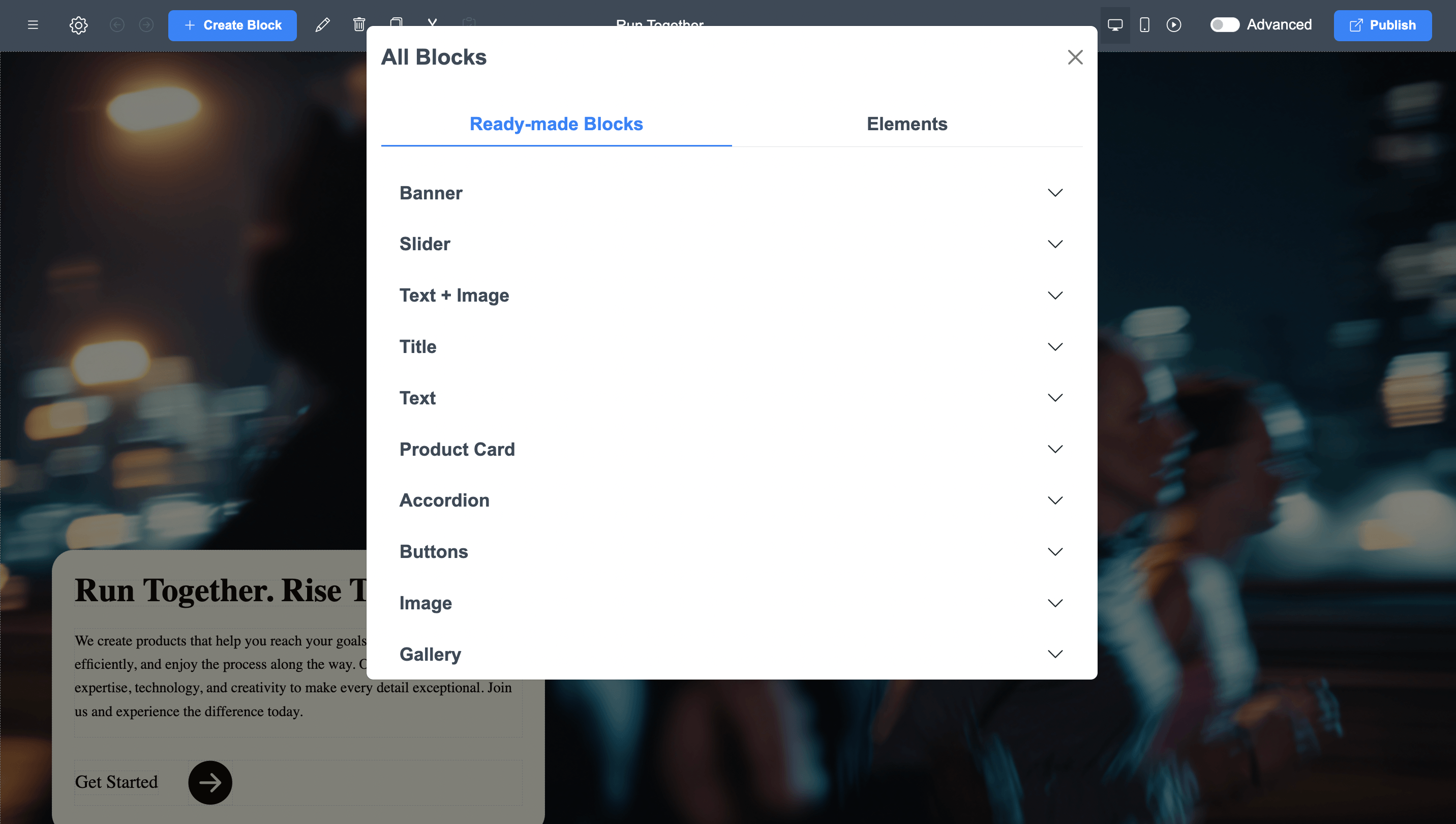
ME-Page offers pre-designed templates and blocks that you can customize instantly. These include:
- Headers and navigation menus
- Hero sections
- Service blocks
- Image galleries
- Contact sections
- Call-to-action banners
You just replace text and images with your own content.
This saves hours of work and ensures your site looks professional from the start.
Create Multi-Page Websites and Subpages
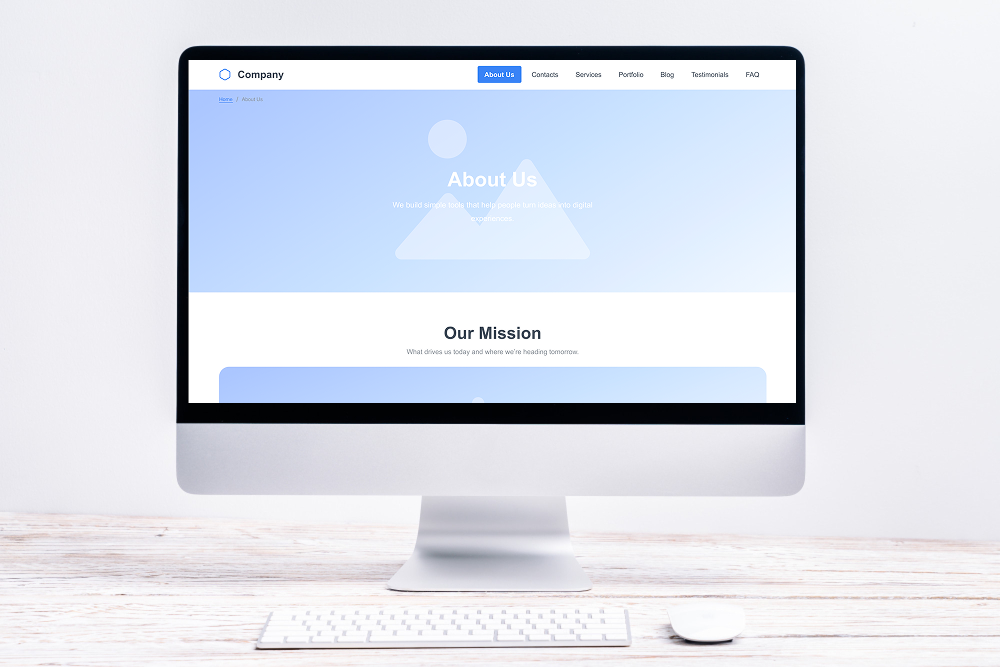
Many beginners think no-code tools are limited to simple one-page sites. That’s not true anymore.
With ME-Page, you can:
- Add multiple pages
- Create subpages
- Organize content into a clear structure
- Build navigation menus
This allows you to create anything from a simple landing page to a full multi-page website.
Perfect for businesses that want to grow over time.
Customize Design Without Limits
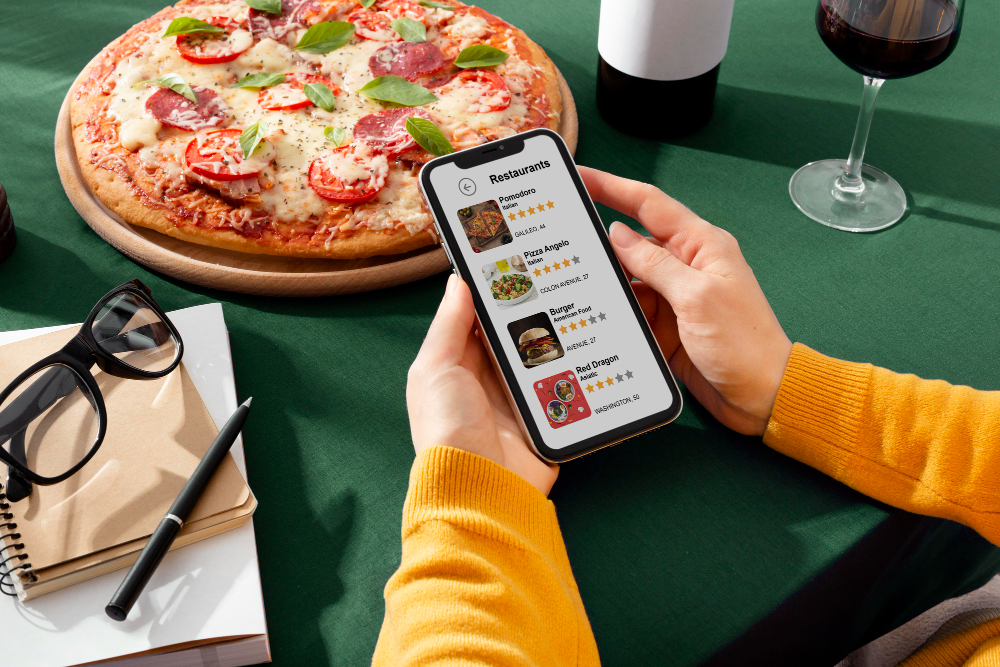
Even though it’s no-code, ME-Page gives you full control over design.
You can easily:
- Change colors and backgrounds
- Edit fonts and typography
- Adjust spacing and layout
- Add animations and visuals
This means your website doesn’t look generic — it reflects your brand.
And the best part? You don’t need design experience to make it look good.
Add Buttons, Links, and Navigation
Navigation is key to user experience.
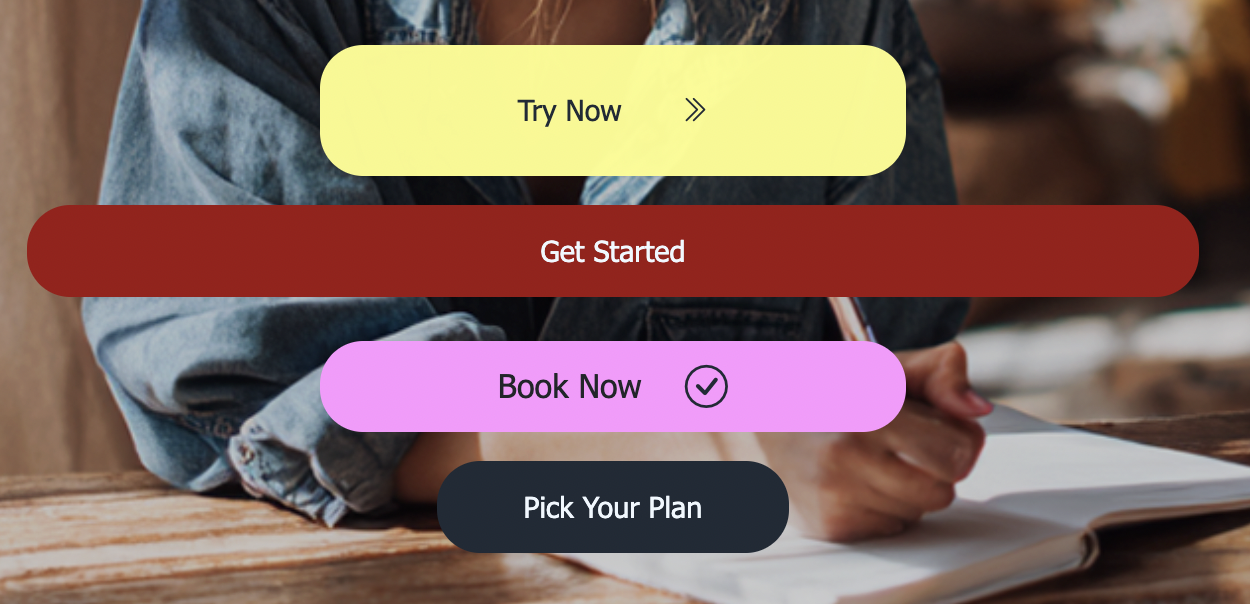
ME-Page lets you:
- Add buttons anywhere
- Link to pages or external URLs
- Create custom header menus
- Build mobile-friendly burger menus
This helps visitors move smoothly through your site and find what they need quickly.
Better navigation = better engagement.
Edit Content Anytime
Your website shouldn’t be static.
With ME-Page, you can update:
- Text
- Images
- Links
- Sections
Anytime you want.
No waiting for developers. No technical steps. Just click, edit, and publish.
This flexibility is one of the biggest advantages of using no-code tools.
Optimize for Mobile Automatically
Most visitors will view your website on their phones.
ME-Page ensures your site:
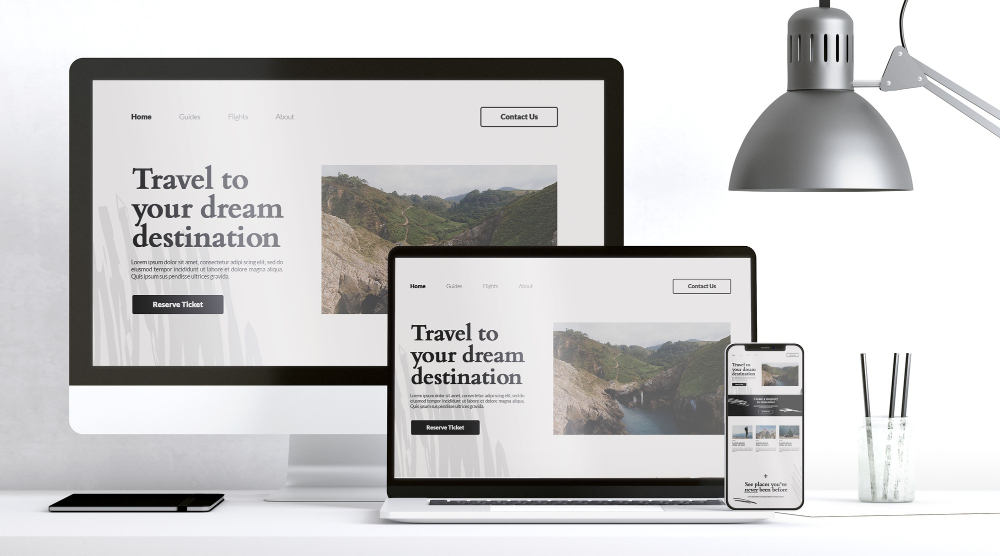
- Looks good on all devices
- Adapts to screen sizes
- Keeps navigation simple
- Maintains readability
You don’t need to design separate mobile versions. Everything is responsive by default.
Publish Your Website in One Click
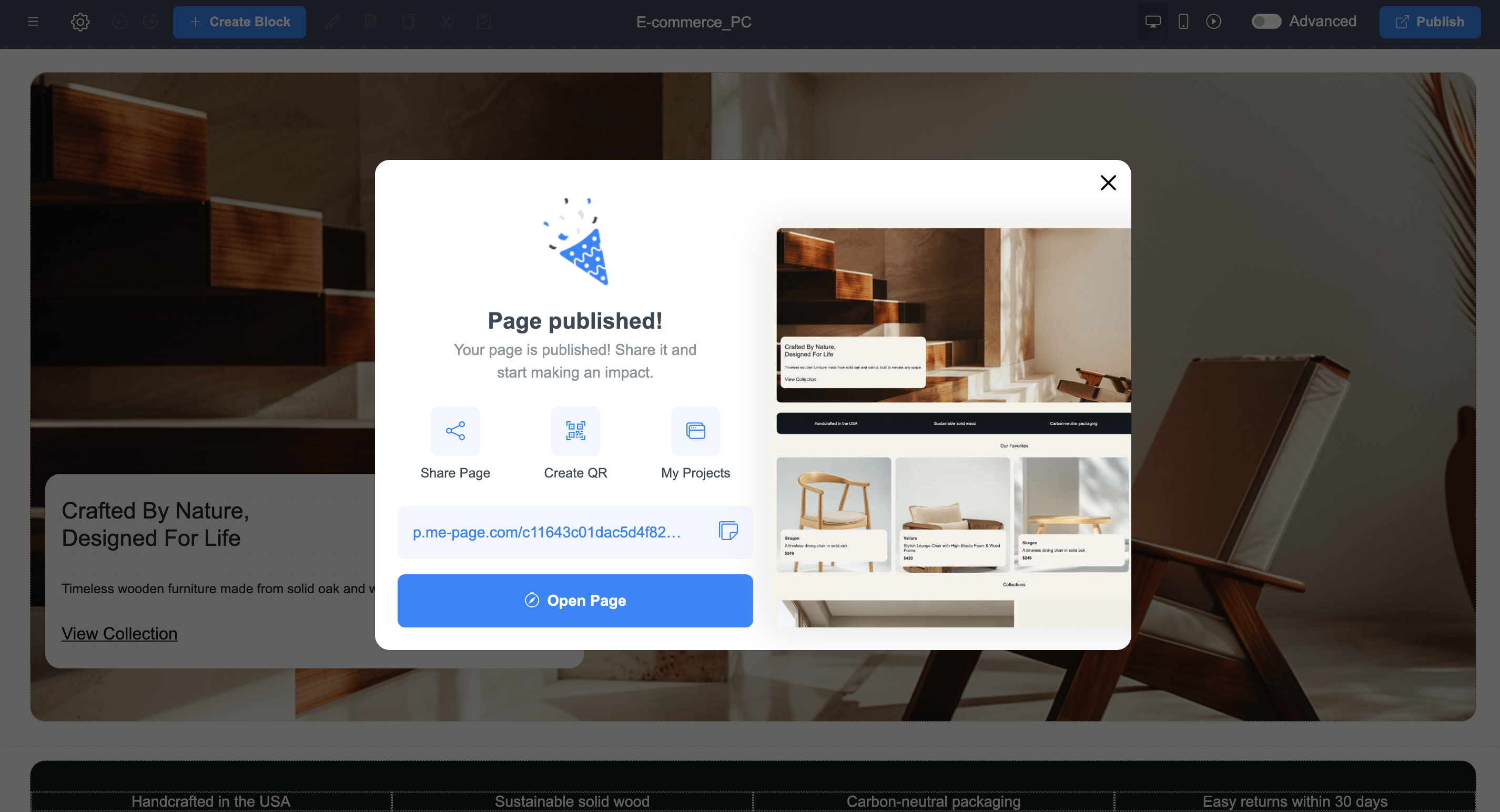
Once your site is ready, launching it is incredibly simple. Just click “Publish” — and your website goes live instantly. No servers. No deployments. No technical setup. This makes it perfect for quick launches, campaigns, or testing new ideas.
Built-In Features That Save Time
Instead of installing plugins or external tools, ME-Page includes everything you need:
- Hosting
- Page structure tools
- Navigation builder
- Design customization
- Content editing
- Mobile optimization
Everything works together smoothly, so you can focus on your content instead of technical issues.
Quick Overview of ME-Page Features
Conclusion
Modern websites don’t require coding anymore — they require the right tools. With powerful ME-Page features, you can design, build, and manage a professional website entirely on your own. From templates and drag-and-drop editing to multi-page structures and instant publishing, these no-code tools remove all technical barriers.
Whether you’re launching a business, promoting services, or building a personal brand, ME-Page gives you everything you need in one place. It’s fast, flexible, and beginner-friendly — proving that great websites don’t have to be complicated.
Frequently Asked Questions about ME-Page Feature Breakdown
Yes. ME-Page is designed specifically for non-technical users, allowing you to create fully functional and professional websites using simple drag-and-drop tools.
Absolutely. You can change colors, fonts, layouts, images, and content to match your brand and create a unique design.
Yes. All websites created with ME-Page are automatically responsive and optimized for mobile devices.
You can publish your website instantly with one click as soon as your content is ready.
Чи був цей матеріал корисним?
Натисніть на зірку, щоб оцінити!
Середній рейтинг: 0/5
Голосів: 0
Поділитися з друзями:



Попередня
Огляд функцій ME-Page: що можна зробити без кодування

Наступна
Welcome to ME-Page: Your Ultimate Website Constructor
Останні статті
Усе, що потрібно знати про використання ME-Page Constructor для вашого сайту.
Огляд функцій ME-Page: що можна зробити без кодування
Не так давно створення веб-сайту означало наймання розробників, вивчення коду або витрачання годин на роботу з...
Вебсайти ресторанів, які перетворюють відвідувачів на гостей
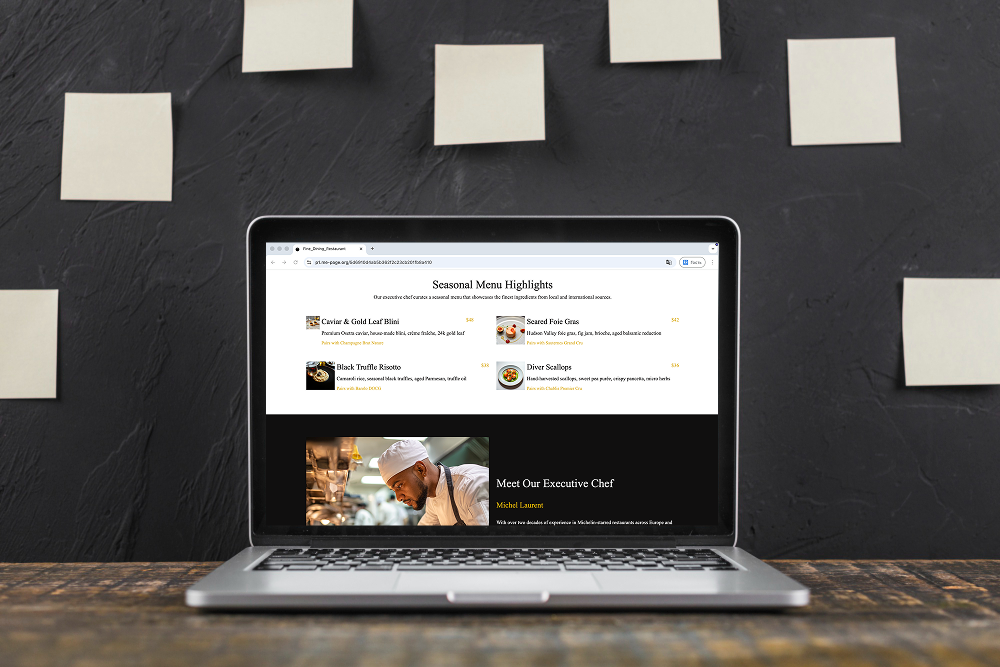
Вебсайт ресторану — це не просто гарний вигляд, а залучення людей до вашого закладу. Подумайте. Коли хтось шу...

Односторінкові чи багатосторінкові веб-сайти: що краще для бізнесу?
Під час створення веб-сайту для вашої компанії одним із перших рішень, з яким ви зіткнетеся, є вибір правильно...
Контент, що ранжується: як структурувати сторінки для SEO
Створення контенту для вашого веб-сайту — це не просто написання великої кількості тексту. Йдеться про розумне...
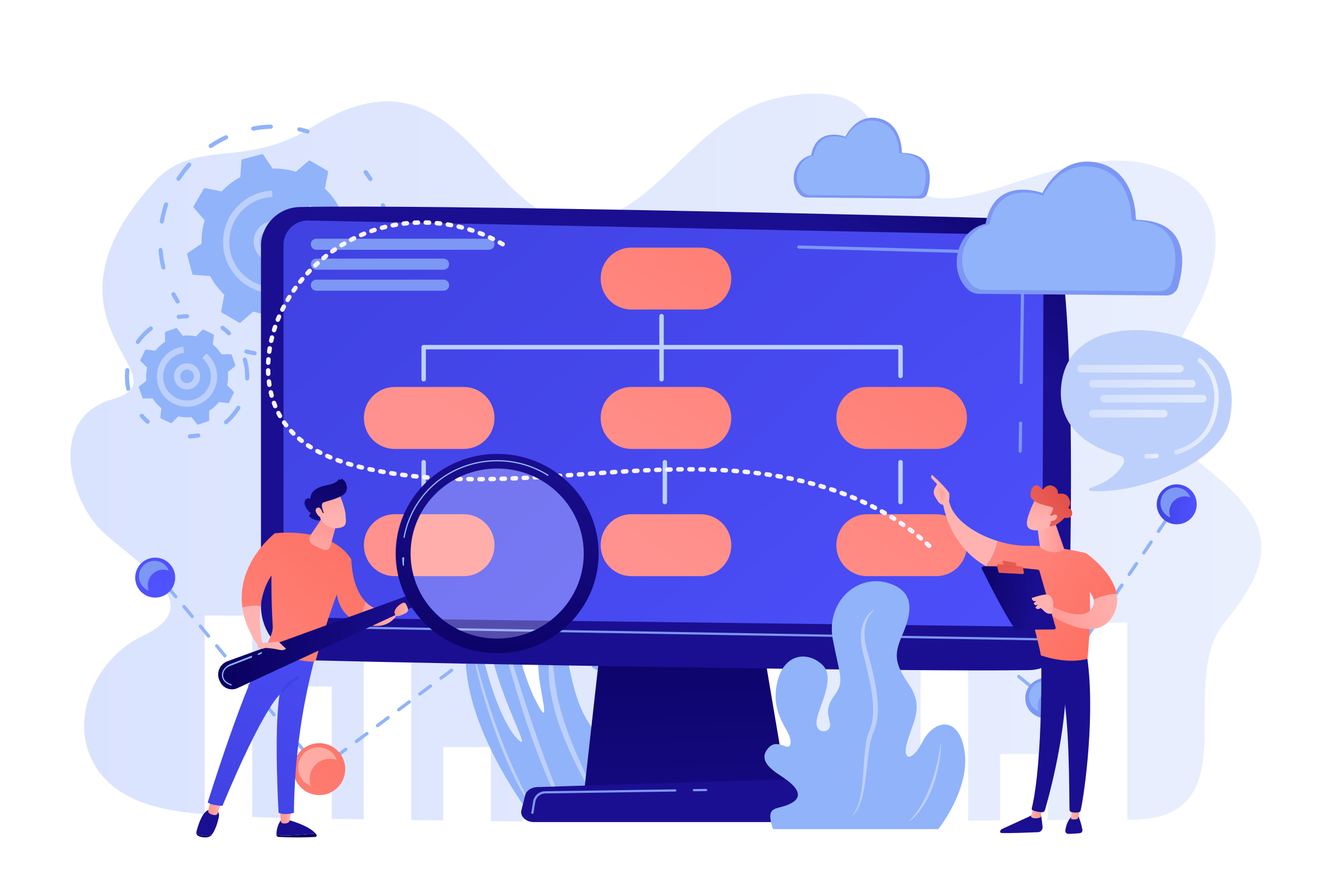
Створення чіткої структури веб-сайту зі сторінками та підсторінками
Неохайний вебсайт — це як магазин без вивісок. Відвідувачі заходять… озираються… плутаються… і йдуть. Не тому,...

Основи локального SEO: Зробіть так, щоб клієнти поруч із вами зна...
Якщо ви керуєте малим бізнесом, ось проста істина: люди спочатку шукають локально. Вони не вводять «найкращий...
Огляд функцій ME-Page: що можна зробити без кодування
Не так давно створення веб-сайту означало наймання розробників, вивчення коду або витрачання годин на роботу з...
Вебсайти ресторанів, які перетворюють відвідувачів на гостей
Вебсайт ресторану — це не просто гарний вигляд, а залучення людей до вашого закладу. Подумайте. Коли хтось шу...
Односторінкові чи багатосторінкові веб-сайти: що краще для бізнесу?
Під час створення веб-сайту для вашої компанії одним із перших рішень, з яким ви зіткнетеся, є вибір правильно...
Контент, що ранжується: як структурувати сторінки для SEO
Створення контенту для вашого веб-сайту — це не просто написання великої кількості тексту. Йдеться про розумне...
Створення чіткої структури веб-сайту зі сторінками та підсторінками
Неохайний вебсайт — це як магазин без вивісок. Відвідувачі заходять… озираються… плутаються… і йдуть. Не тому,...
Основи локального SEO: Зробіть так, щоб клієнти поруч із вами зна...
Якщо ви керуєте малим бізнесом, ось проста істина: люди спочатку шукають локально. Вони не вводять «найкращий...