Blog Test Author 1
Last modified 25 Aug 2025
Blog Test Author 1
Last modified 14 Jan 2026
Think about it: when people are hungry and searching for a place to eat, where do they go first? That’s right—Google. If your restaurant doesn’t have a website, you’re already losing customers to competitors who do.
A professional online presence isn’t just about looking good—it’s about being discoverable, shareable, and easy to navigate. That’s where a restaurant website builder like ME-Page comes in. It helps you set up an attractive, mobile-friendly site in minutes, no coding required.Your Roadmap to a Professional Online Menu
Building a restaurant website doesn’t have to be complicated. With ME-Page, the process is straightforward, quick, and beginner-friendly. Just follow these steps to bring your online menu and brand to life.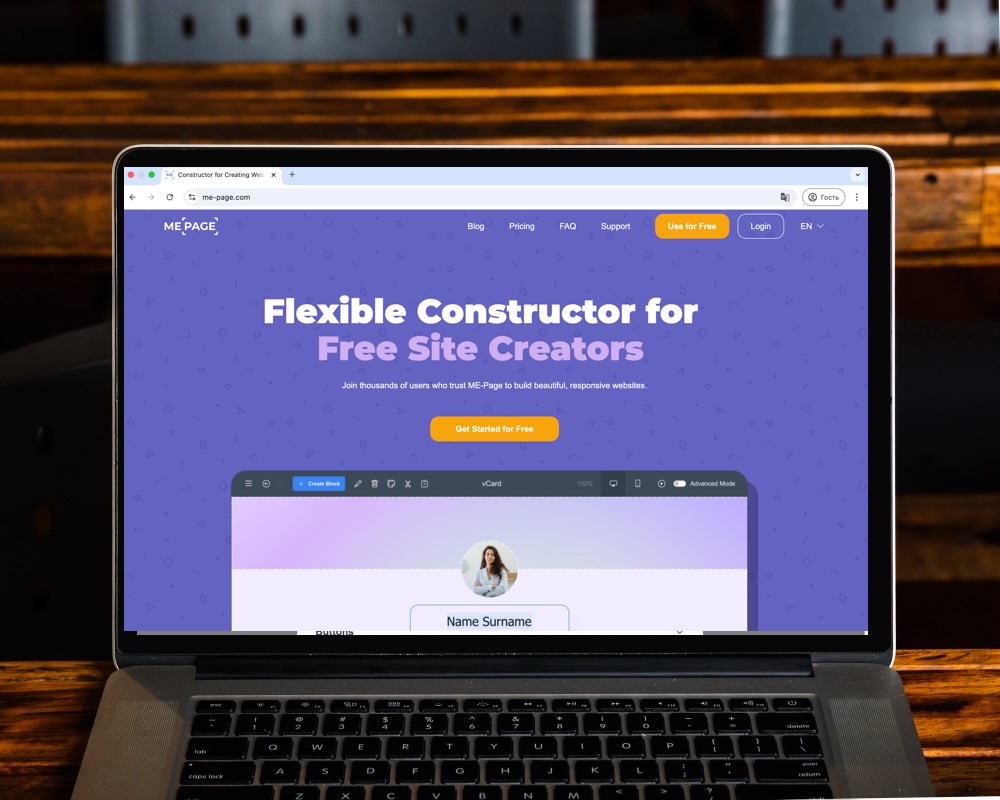
Step 1: Pick the Right Restaurant Website Builder
Not all website tools are created equal. Some are clunky, some are expensive, and many require technical know-how. But with ME-Page, you get:
- Ease of use: Build your site with drag-and-drop simplicity.
- Mobile-first design: Your site looks perfect on phones, tablets, and desktops.
- Speed: You can create your website in minutes, not weeks.
For busy café owners, food trucks, or fine-dining restaurants, ME-Page is the shortcut to a polished site without hiring a developer.
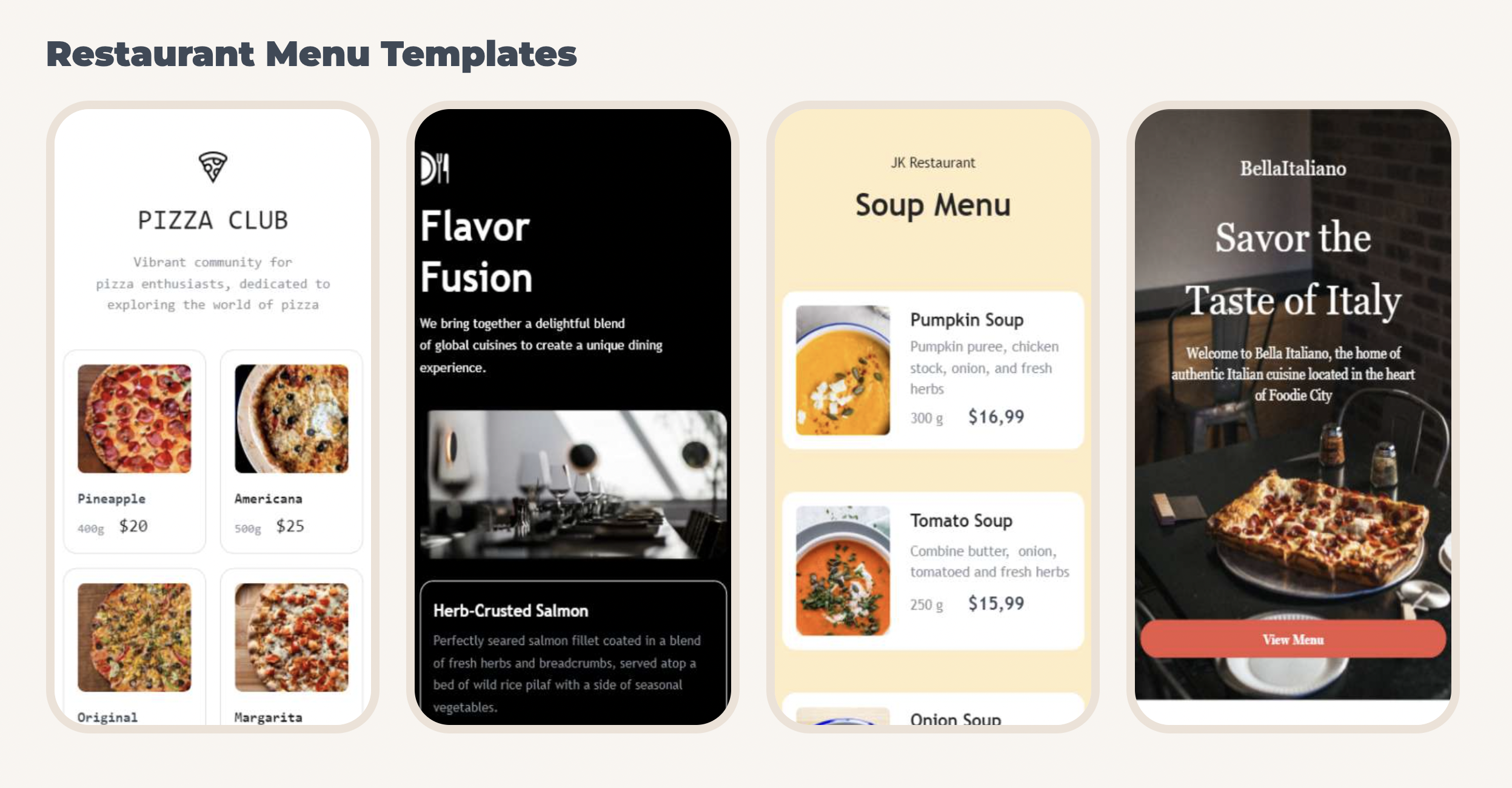
Step 2: Choose an Online Menu Template
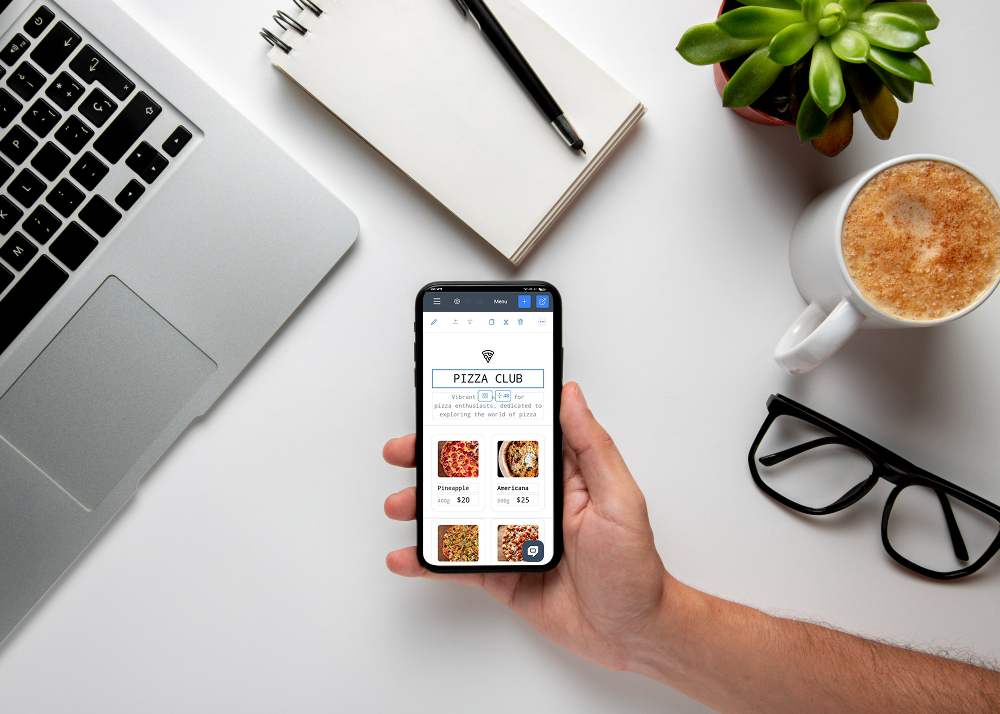
Your menu is the heart of your website—it’s what people are really looking for. ME-Page makes it easy with customizable online menu templates.
Here’s what you can do with them:
- Add sections for appetizers, mains, desserts, and drinks.
- Upload high-quality images to make dishes irresistible.
- Highlight specials, combos, or seasonal offers.
- Update prices anytime from your phone.
Think of it as your digital menu board—always current, always accessible.
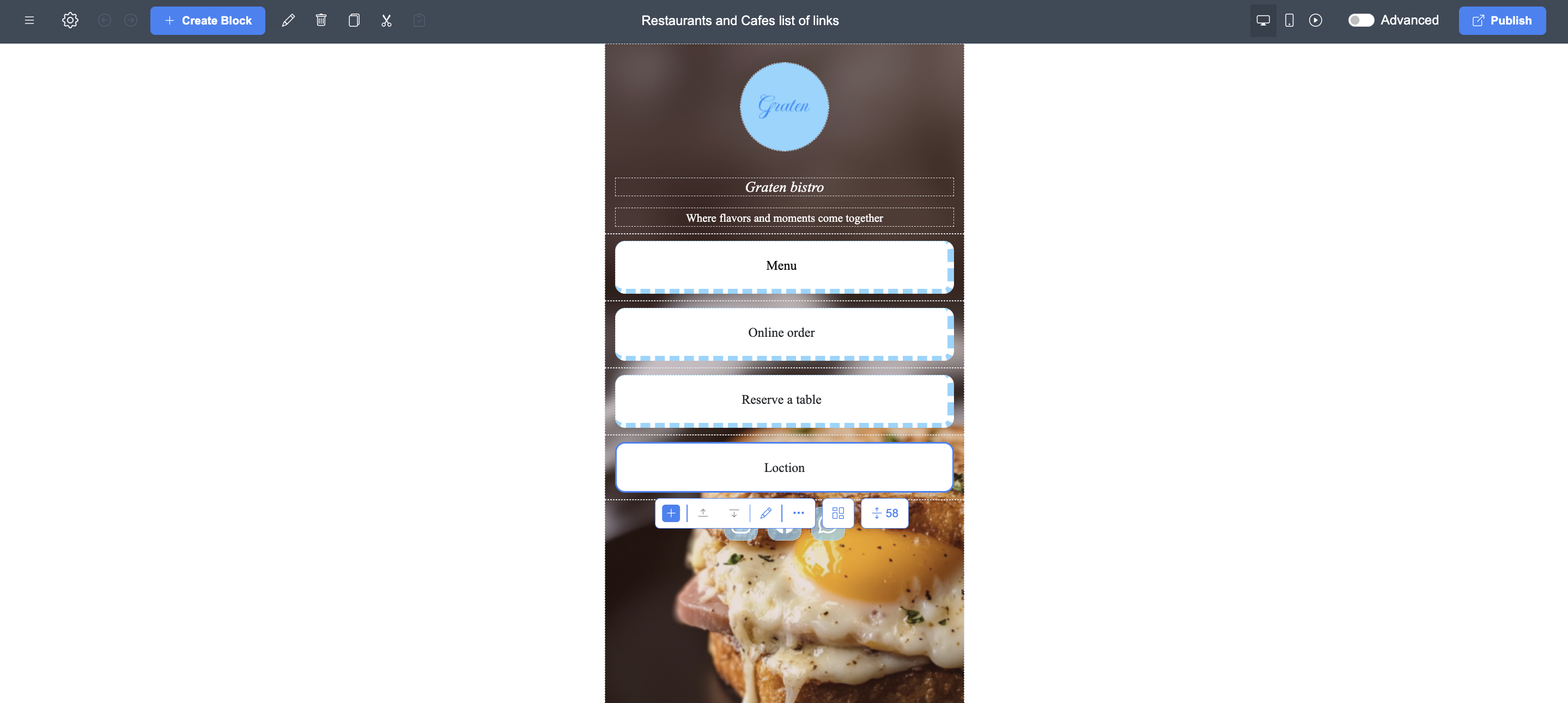
Step 4: Add Essential Restaurant Features
A restaurant website isn’t just about looking pretty—it has to be functional. With ME-Page, you can include features that matter most:
- Contact Info: Make your phone number and address impossible to miss.
- Location Maps: Help customers find you easily.
- Opening Hours: Show when you’re open (and keep them updated).
- Reservations Links: Add booking widgets or a simple contact form.
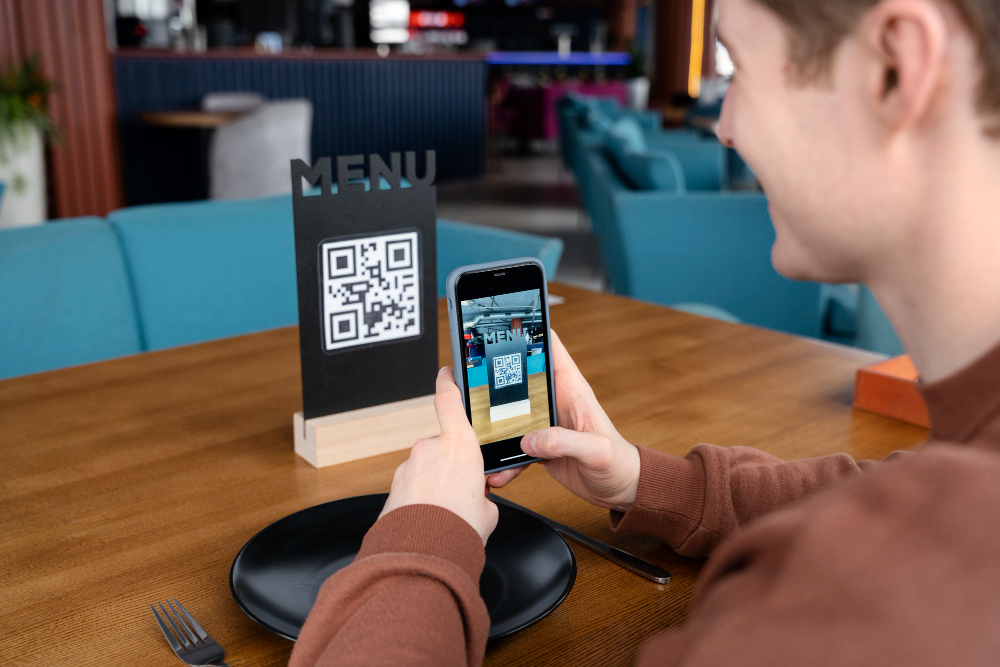
- QR Menus: ME-Page integrates with QR codes, so customers can scan and view your menu instantly.
These little touches save customers time—and they’ll thank you with repeat visits.
Step 5: Publish and Share Instantly
Once your restaurant site looks just right, hit publish. With ME-Page, updates are instant—whether you’re announcing a new dish, updating your opening hours, or promoting a weekend event.
Sharing is simple too. Post your site link on social media, drop it in Google Business, or print your QR code on menus, posters, or flyers. It’s a quick way to spread the word.
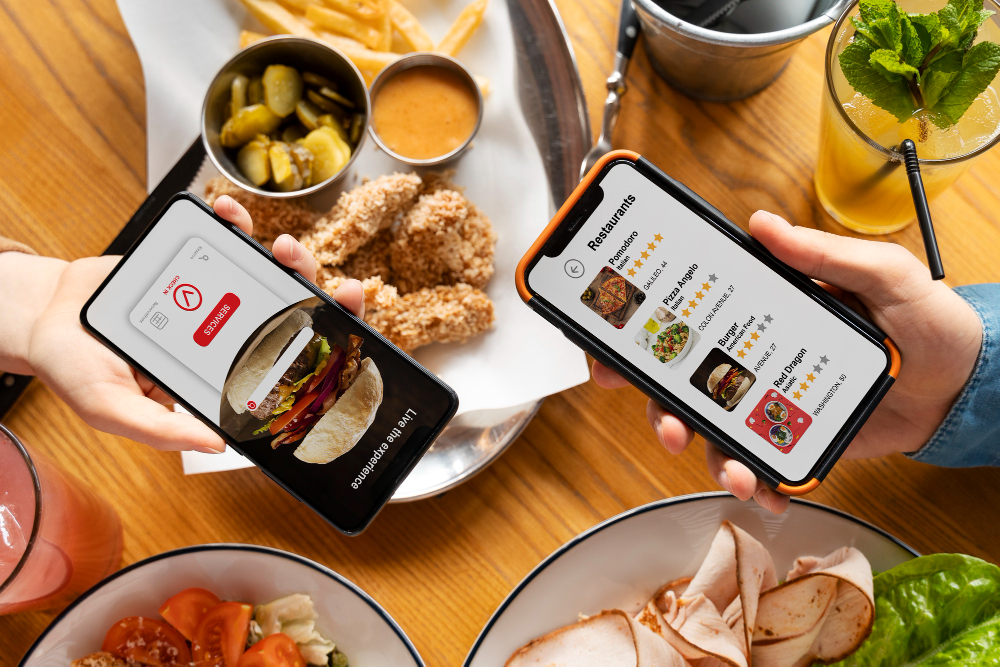
Real-World Examples of Restaurant Websites Built with ME-Page
Let’s imagine a few scenarios where ME-Page shines for restaurant owners:
- Café Owners: Post daily specials in minutes, update with photos, and keep regulars coming back.
- Food Trucks: Change location info daily so fans always know where to find you.
- Fine Dining Restaurants: Highlight chef’s recommendations, wine lists, and tasting menus with a polished, elegant design.
- Bakeries: Showcase fresh pastries with mouthwatering photos, updated every morning.
- Bars or Breweries: List rotating craft beers or cocktail specials without needing a designer.
Why ME-Page is the Best Choice for Restaurants
Let’s be honest: most restaurant owners don’t have time to mess with coding or design. That’s why ME-Page works so well—it’s quick, mobile-friendly, and built for real-life business needs.
- Update your online menu template in seconds.
- Match your cafe website design to your brand.
- Impress customers with a responsive, professional look.
- Save money compared to hiring a developer.
In short, you focus on food—ME-Page takes care of the website
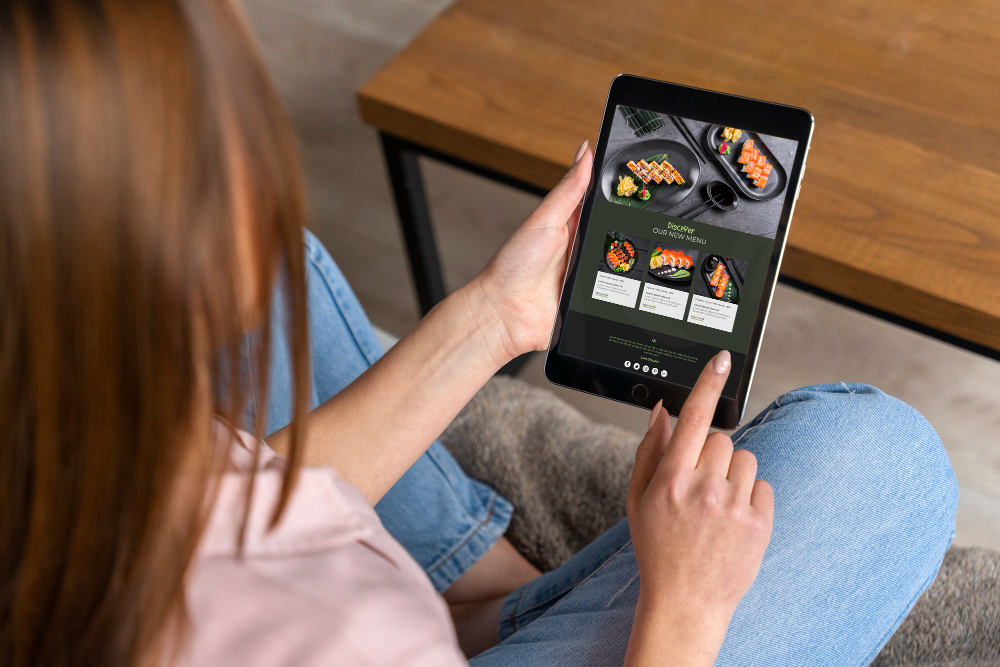
Final Thoughts: Get Your Restaurant Online Today
If your restaurant doesn’t have a website, you’re missing out on hungry customers searching right now. With ME-Page, there’s no excuse—it’s fast, affordable, and designed to make your food shine online.
So whether you’re running a neighborhood café, a trendy food truck, or a high-end dining room, the process is simple:
- Pick your restaurant website builder.
- Customize your online menu template.
- Add your style with smart cafe website design choices.
- Publish, share, and keep it fresh.
Your menu deserves to be seen. And with ME-Page, your restaurant website will look so good, customers will be hungry before they even step through your door
Was This Article Helpful?
Click on a star to rate it!
Average Rating: 5/5
Voutes: 2
Share with Friends:


Previous
How to Edit Your Website on Mobile with ME-Page

Next
How to Customize Your Website with HTML & CSS
Recent Articles
Everything You Need to Know About Using ME-Page Constructor for Your Website.

Test Article me-page
Not long ago, building a website meant hiring developers, learning code, or spending hours dealing with compli...

ME-Page Feature Breakdown: What You Can Do Without Coding
Not long ago, building a website meant hiring developers, learning code, or spending hours dealing with compli...
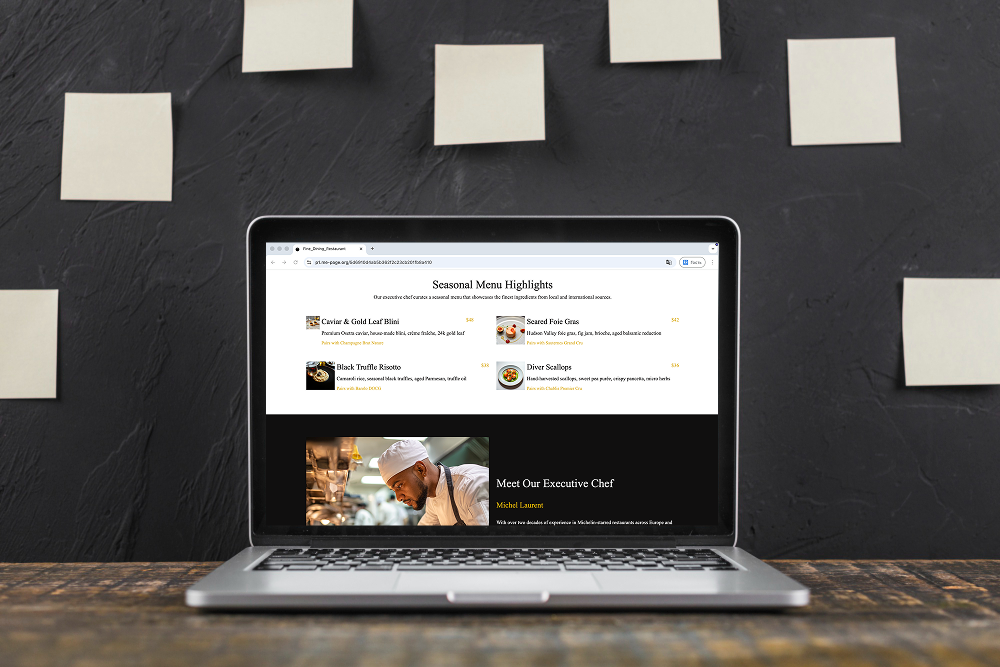
Restaurant Websites That Convert Visitors into Guests
Restaurant Websites That Convert Visitors into Guests A restaurant website isn’t just about looking good — it...

One-Page vs Multi-Page Websites: What’s Better for Business?
When building a website for your company, one of the first decisions you’ll face is choosing the right structu...

Content That Ranks: How to Structure Pages for SEO
Creating content for your website isn’t just about writing a lot of text. It’s about writing smart. If your pa...

Creating a Clear Website Structure with Pages and Subpages
A messy website is like a store with no signs. Visitors walk in… look around… get confused… and leave. Not bec...
Test Article me-page
Not long ago, building a website meant hiring developers, learning code, or spending hours dealing with compli...
ME-Page Feature Breakdown: What You Can Do Without Coding
Not long ago, building a website meant hiring developers, learning code, or spending hours dealing with compli...
Restaurant Websites That Convert Visitors into Guests
Restaurant Websites That Convert Visitors into Guests A restaurant website isn’t just about looking good — it...
One-Page vs Multi-Page Websites: What’s Better for Business?
When building a website for your company, one of the first decisions you’ll face is choosing the right structu...
Content That Ranks: How to Structure Pages for SEO
Creating content for your website isn’t just about writing a lot of text. It’s about writing smart. If your pa...
Creating a Clear Website Structure with Pages and Subpages
A messy website is like a store with no signs. Visitors walk in… look around… get confused… and leave. Not bec...